

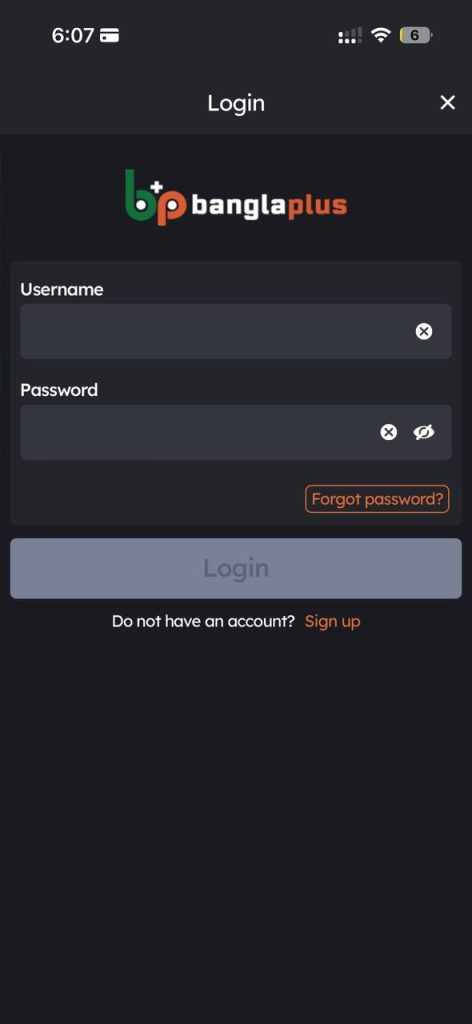
1. Log in to your account.
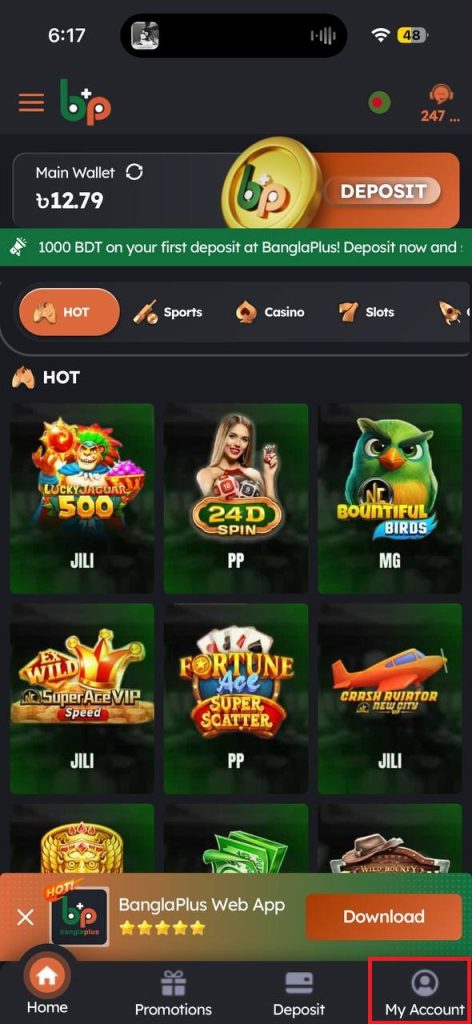
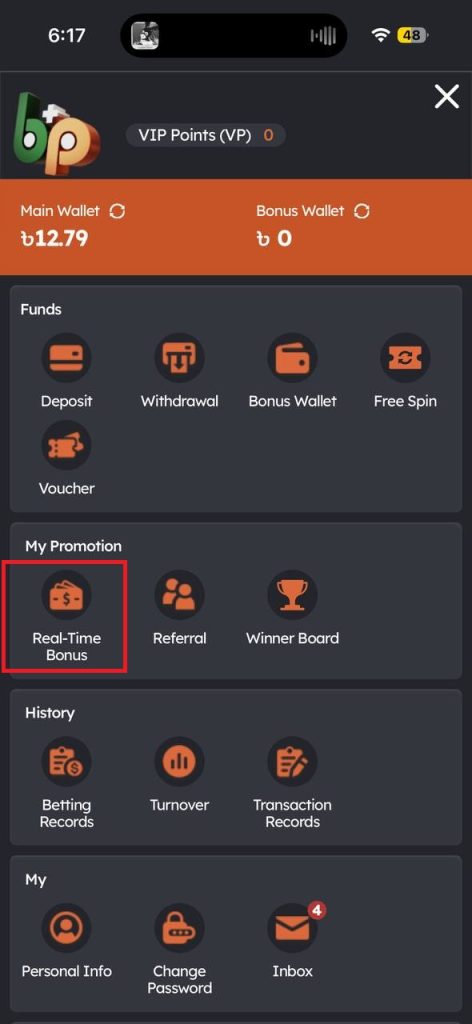
2. Go to My Account, then click the Main Wallet tab and select the Real-Time Bonus icon.
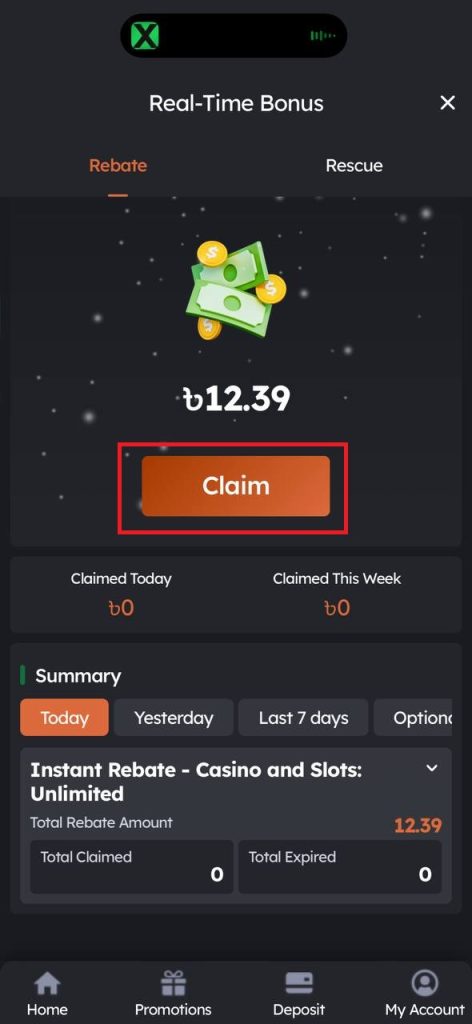
3. Under Available Amount, click Claim to redeem your Rebate or Rescue bonus.
4. A pop-up message will appear confirming that the bonus has been successfully claimed.
5. Return to the Main Wallet and refresh the page to check that the bonus has been credited.