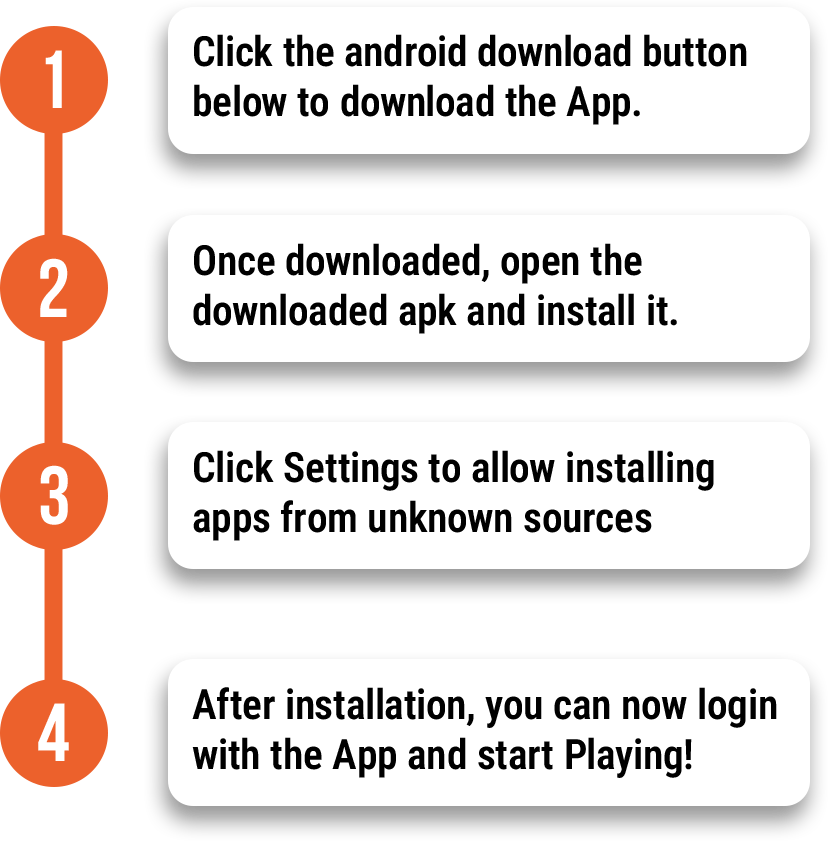


1. To get started, launch your downloaded Banglaplus88 app from your Android phone.
2. Sign up if you are a first time user. If you’re an existing player, log in to your account.
3. Once logged in, a biometric pop up message will appear. Click Biometric Log in to proceed. Make sure your biometrics log in is enabled. If not, enable it first on your Phone Settings. Not all phones has biometrics logged in feature, if you’re phone does not support, you cannot use this.
4. Set up Biometric by clicking the moon face to turn on.
5. Enter your account password to enable biometric log in.
6. Once all done, a saved pop up will appear on your screen and your biometric log in is now confirmed.
7. Log out and relaunch the app to login via Biometrics.
8. Click the face icon to login using Biometrics.