
loader image

Welcome to our Info Centre

How To Reset Password on My Account?

Jun 15, 2022 | My Account

DESKTOP:

1. Go to https://Banglaplus88.net/ and log in.

2. Go to Member Center.

3. Under profile, click Reset Password.

4. Input current password and new password.

5. Once done, click confirm.

MOBILE:

1. Go to https://Banglaplus88.net/ and log in.

2. Go to My Account.

3. Browse and look for Reset Password.

4. Input current password and new password.

5. Once done, click confirm.
আজই ডাউনলোড করুন আমাদের BANGLAPLUS মোবাইল অ্যাপ!

banglaplus এর সাথে রোমাঞ্চ অনুভব করুন!

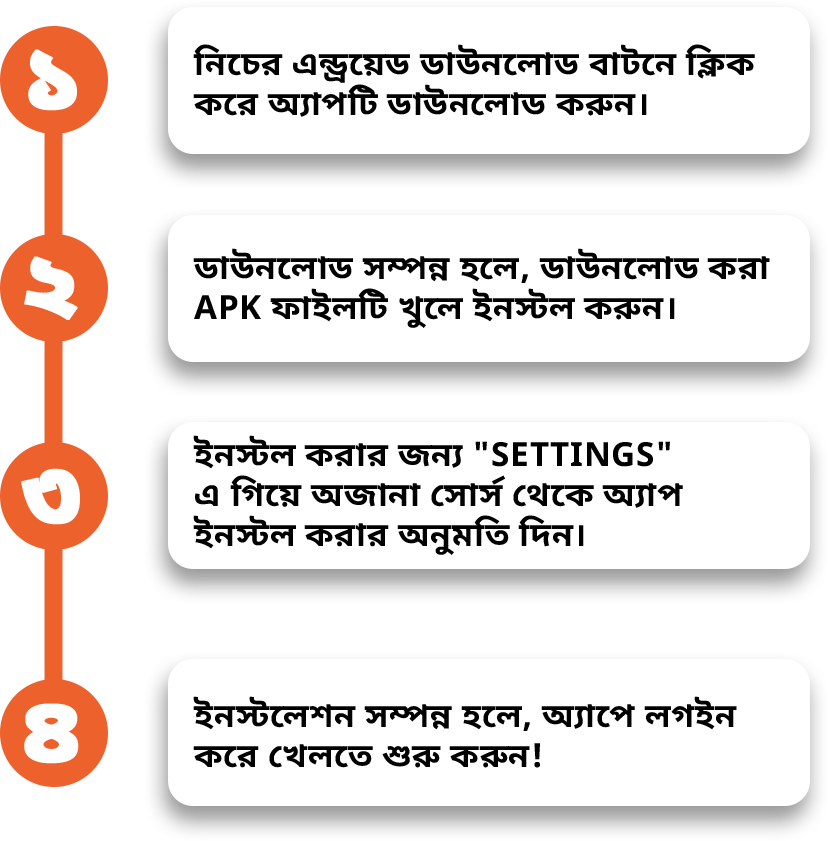
এন্ড্রয়েড অ্যাপ ডাউনলোড করুন

আজই ডাউনলোড করুন আমাদের BANGLAPLUS মোবাইল অ্যাপ!

banglaplus এর সাথে রোমাঞ্চ অনুভব করুন!

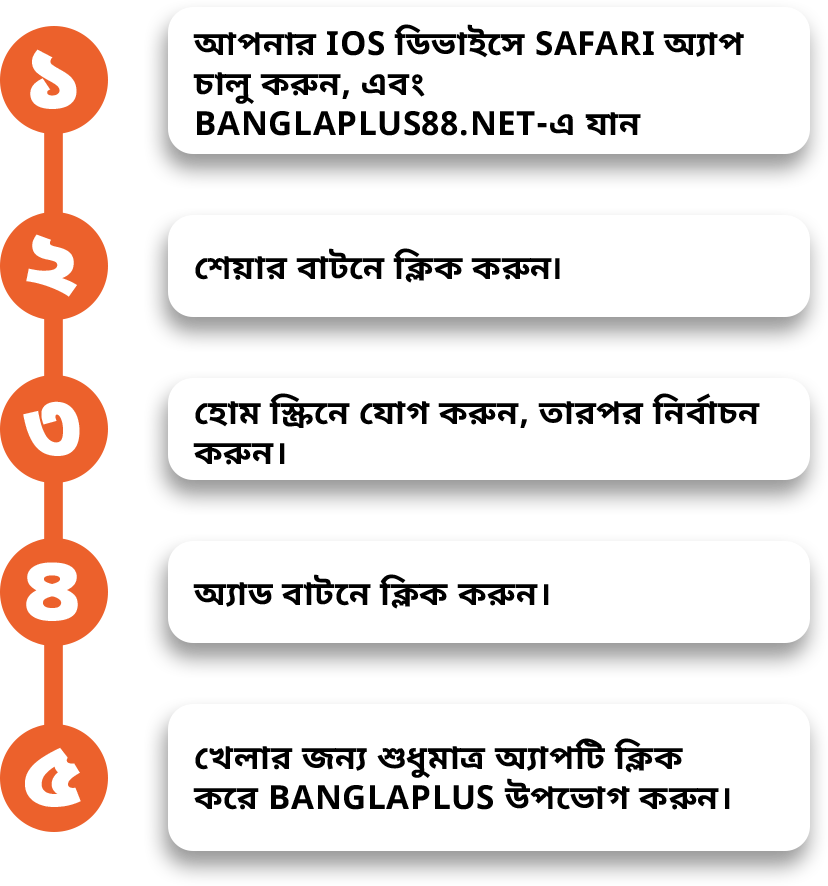
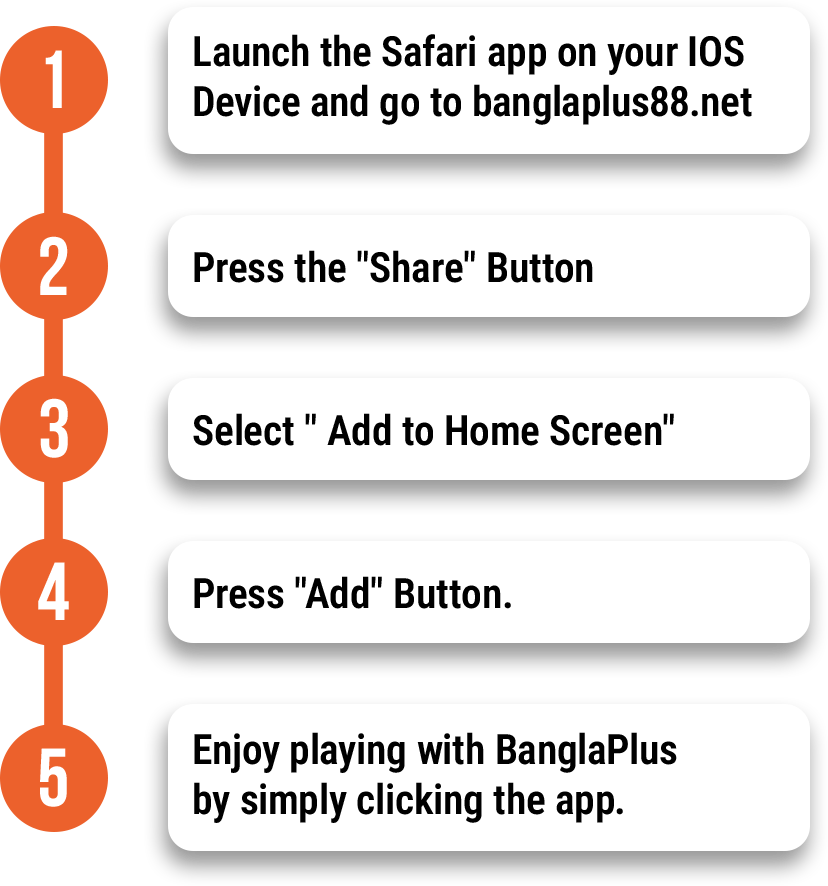
BANGLAPLUS iOS হোম স্ক্রীন

DOWNLOAD OUR BANGLAPLUS
MOBILE APP TODAY

Experience the thrill with banglaplus

BANGLAPUS iOS HOME SCREEN

DOWNLOAD OUR BANGLAPLUS
MOBILE APP TODAY

Experience the thrill with banglaplus

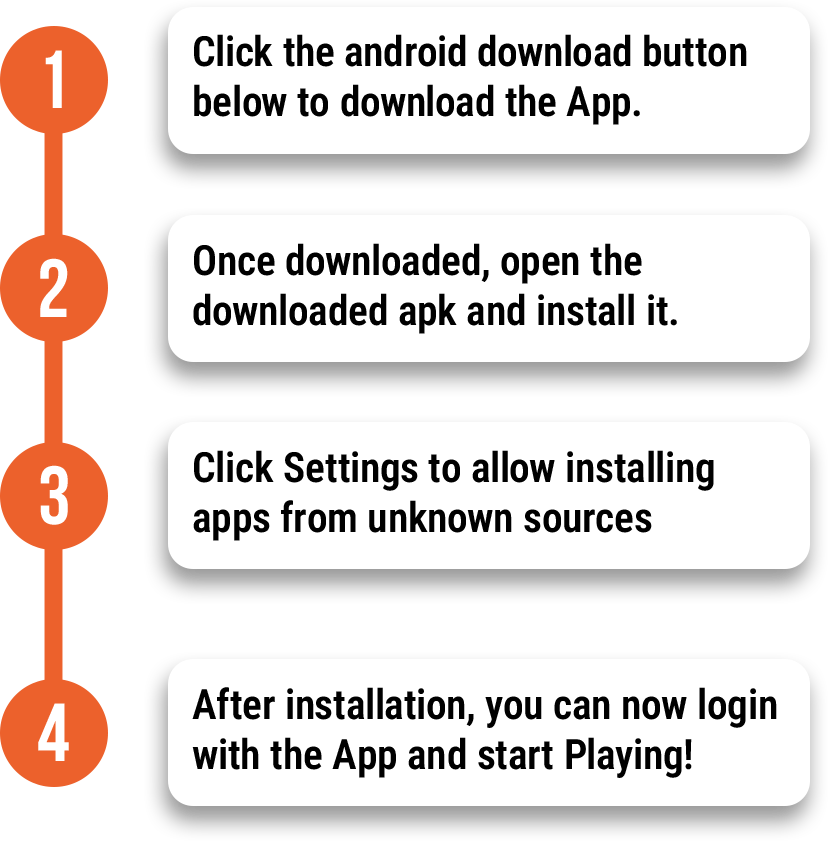
Android Download App