
loader image

Welcome to our Info Centre

How to add a new number directly in player’s account?

Jun 12, 2022 | My Account

1. Go to My account and click Personal Info.

2. Click Add and enter the new number.

3. Click “verify” and you will receive a verification code to your first number, enter the verification code and click Submit.

4. After adding the 2nd number, click “not verified” to verify the new number. You will receive a verification code to your new number, enter the verification code then click submit.

আজই ডাউনলোড করুন আমাদের BANGLAPLUS মোবাইল অ্যাপ!

banglaplus এর সাথে রোমাঞ্চ অনুভব করুন!

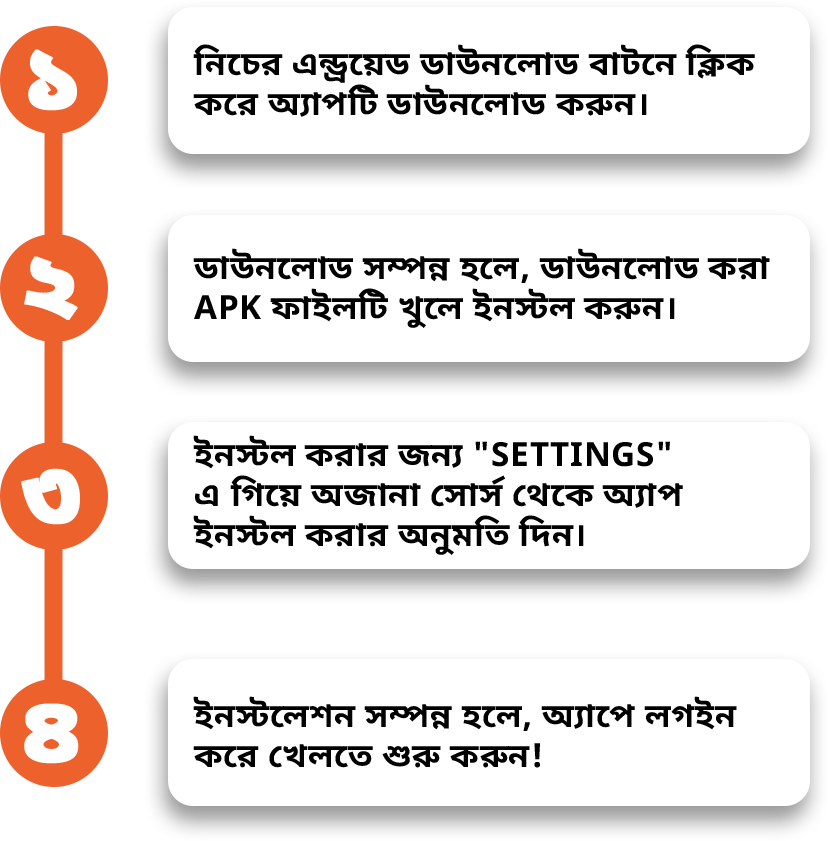
এন্ড্রয়েড অ্যাপ ডাউনলোড করুন

আজই ডাউনলোড করুন আমাদের BANGLAPLUS মোবাইল অ্যাপ!

banglaplus এর সাথে রোমাঞ্চ অনুভব করুন!

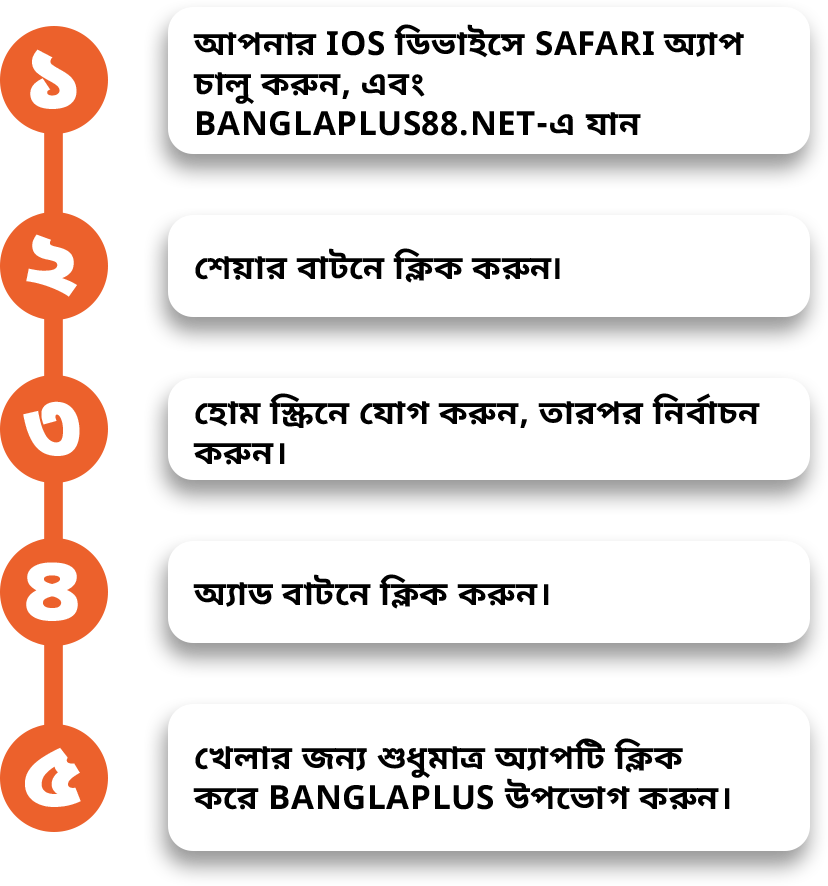
BANGLAPLUS iOS হোম স্ক্রীন

DOWNLOAD OUR BANGLAPLUS
MOBILE APP TODAY

Experience the thrill with banglaplus

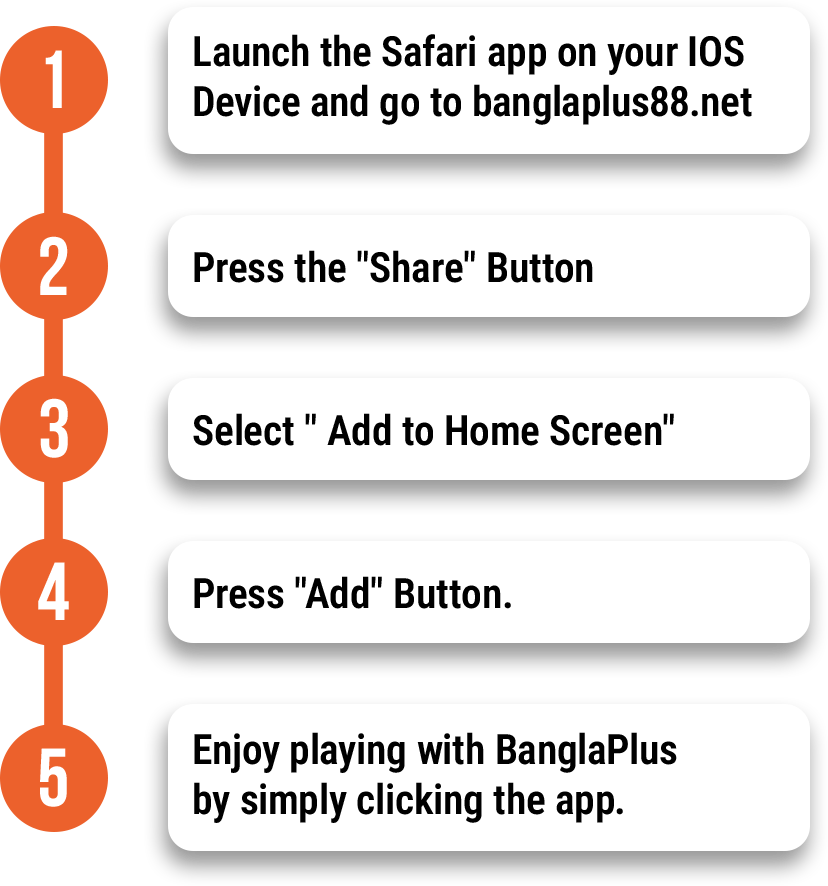
BANGLAPUS iOS HOME SCREEN

DOWNLOAD OUR BANGLAPLUS
MOBILE APP TODAY

Experience the thrill with banglaplus

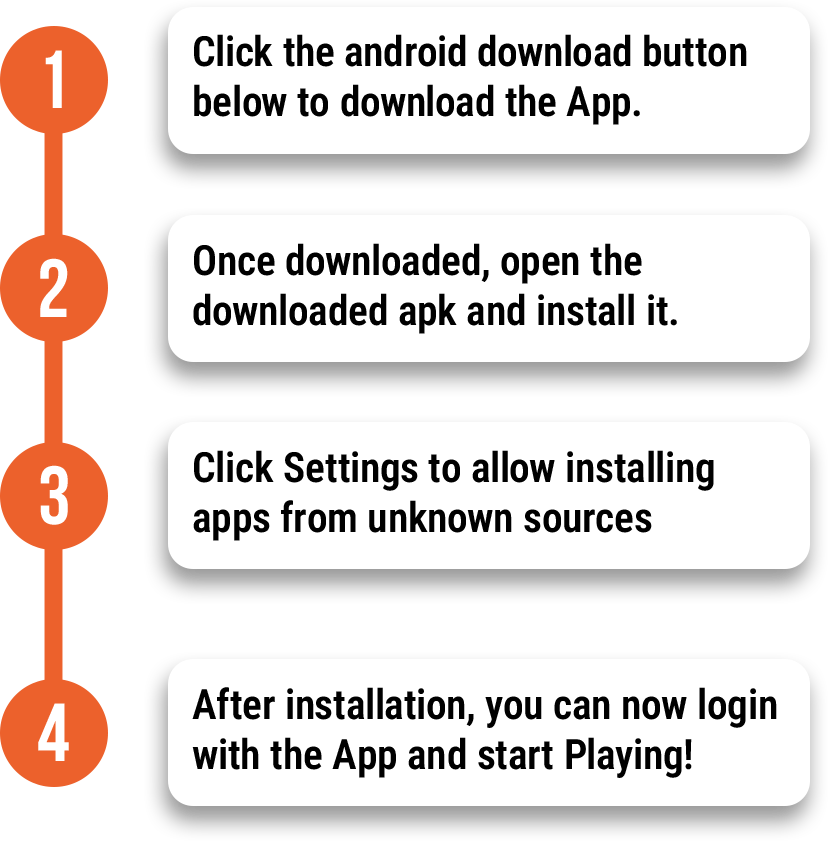
Android Download App